Monitoring
Track the progress and status of your workflow executions.
Runs Overview
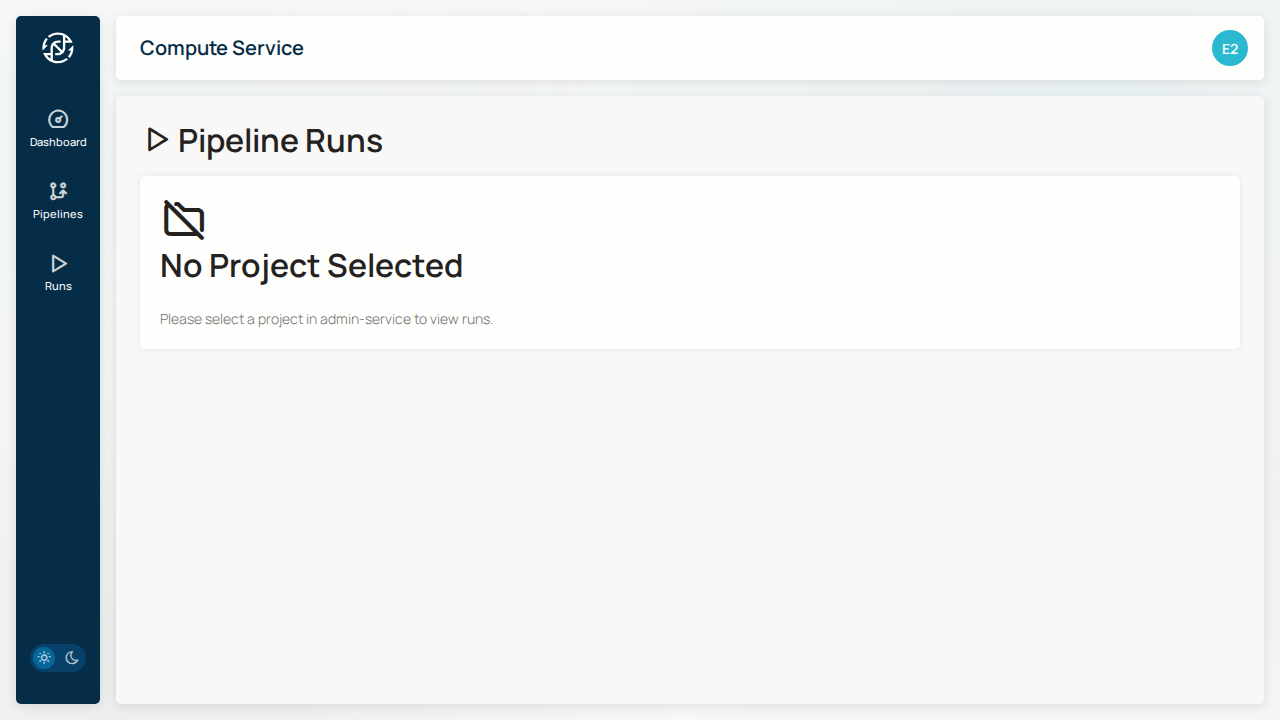
The Runs page shows all workflow executions:
Run Status
Each run displays its current status:
| Status | Description |
|---|---|
PENDING |
Submitted, waiting for resources |
RUNNING |
Currently executing |
SUCCEEDED |
Completed successfully |
FAILED |
Execution failed |
CANCELLED |
Manually cancelled |
Run Details
Click on a run to view details:
Overview
- Pipeline - Which workflow was executed
- Parameters - Configuration used
- Started - When the run began
- Duration - Total execution time
Tasks
View individual tasks within the pipeline:
- Task name and status
- Resource usage (CPU, memory)
- Execution time per task
Logs
Access execution logs:
- Nextflow log - Pipeline execution log
- Task logs - Individual process outputs
Filtering Runs
Filter the runs list by:
- Status - Show only running/completed/failed
- Pipeline - Filter by workflow type
- Date range - Show runs from specific period
Cancelling a Run
To cancel a running workflow:
- Find the run in the list
- Click Cancel
- Confirm the cancellation
Warning
Cancellation is immediate. Any in-progress tasks will be terminated.
Notifications
Coming Soon
Email notifications for run completion will be added in a future release.
Troubleshooting
Common Issues
Run stuck in PENDING
- Check GCP Batch quotas
- Verify credentials have required permissions
Run FAILED
- Check task logs for error messages
- Verify input file paths are correct
- Ensure sufficient storage quota
Next Steps
- Running Workflows - Start new runs
- File Browser - Access results